Data: import, export, backups
Migration from your old system, any register downloadable as Excel, a bin with restore and a backup in one click.
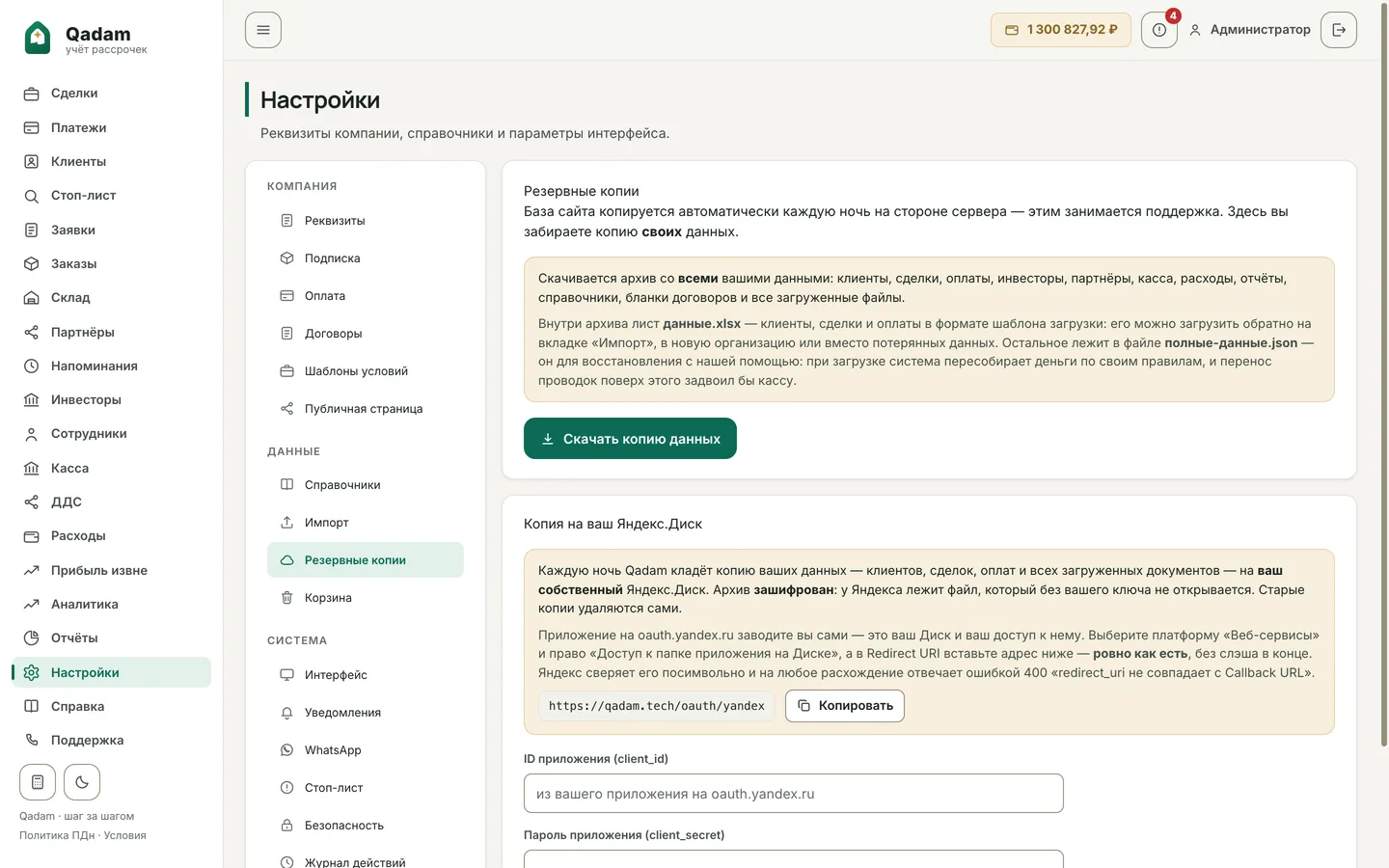
Import, export, the bin and a backup with a button are in the base plan. The module adds a daily encrypted copy to your own Yandex.Disk.
Moving is the main objection to changing systems, so import from an Excel template is in the base plan: clients, deals and schedules are loaded from a file, not retyped by hand.
Any register downloads as Excel exactly as you see it on the screen — with the same filters and columns. What is deleted does not vanish: deals and payments go to the bin, from where they can be brought back.
A backup is made with a button at any moment. The “Own backup” module adds to that a daily encrypted copy onto the organisation’s own Yandex.Disk — with rotation and a restore check, so that the data lives on even if something happens to us.
What exactly it does
- Import clients, deals and schedules from Excel
- Download any register “as on the screen”
- Bin: restore deals and payments
- Backup with one button
- A daily copy to your own Yandex.Disk, AES-256
- The copy is checked by restoring it
14 days of full access. No card needed.
Try Qadam